

Ad ID Finder
See and copy your Android Advertising ID in seconds. Free, with no ads.

About the app
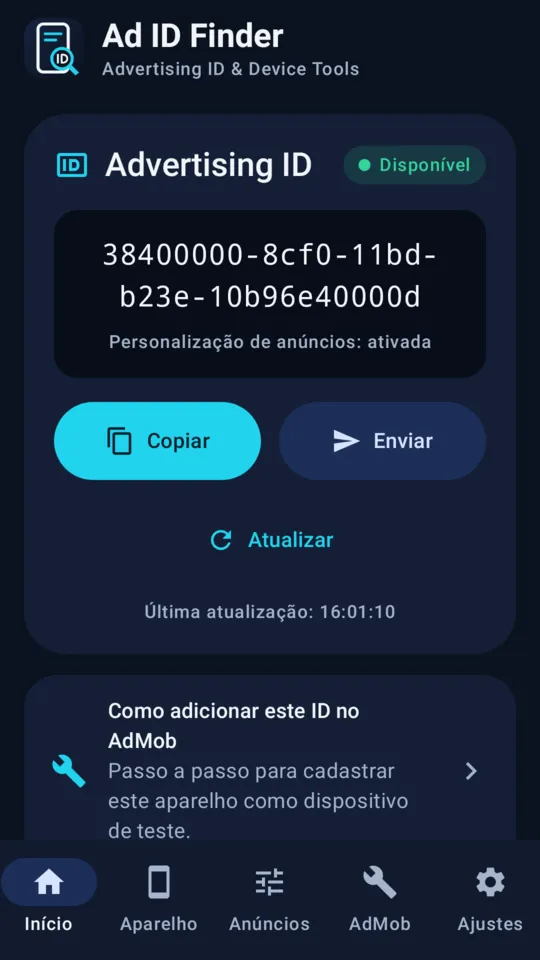
Open the app, find your Advertising ID and copy it in seconds.
Ad ID Finder is a simple tool for anyone who needs to look up the Advertising ID of a device: app and game developers, digital advertising professionals and anyone who has been asked for this identifier.
WHAT THE APP DOES
- Shows the Advertising ID of the device, read through the official Google Play services API
- Copies the ID with one tap
- Sends the ID through WhatsApp, Telegram or email
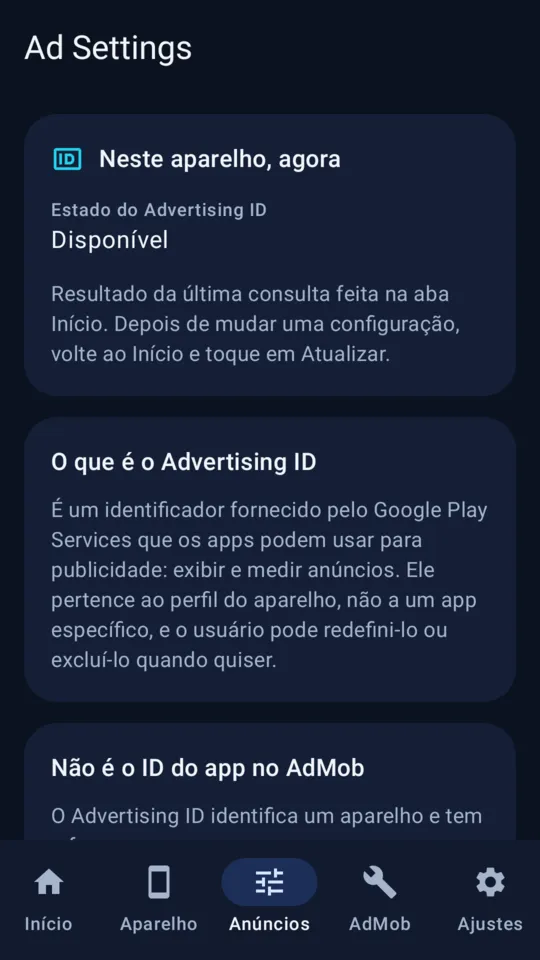
- Tells you clearly when the ID is zeroed, unavailable or when the query failed: it never shows a made-up value
- Shows whether ad personalization is on or opted out on the device
DEVICE INFORMATION
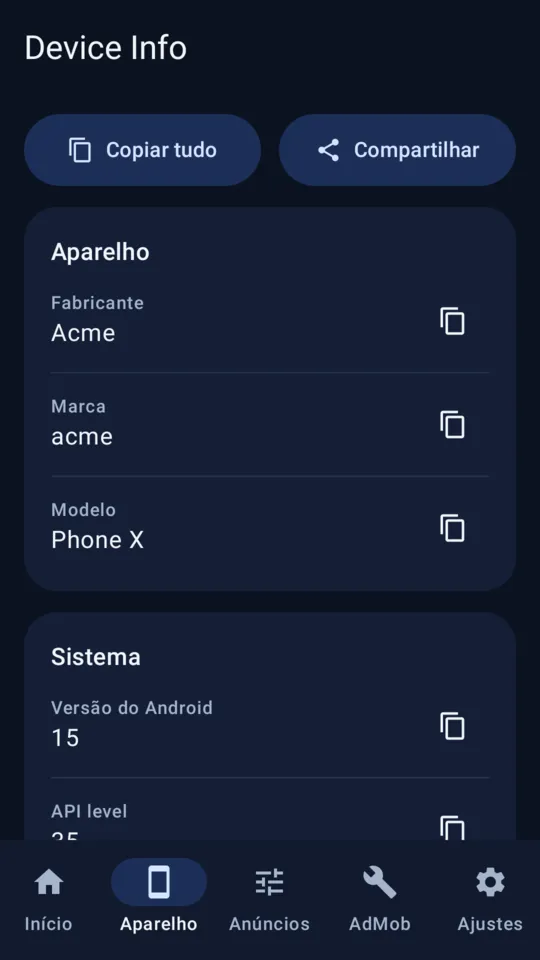
- Manufacturer, brand and model
- Android version and API level
- Supported ABIs
- Screen resolution and density
- Total and available memory
- Battery level and charging status
- Copy each field or the full summary
FOR DEVELOPERS
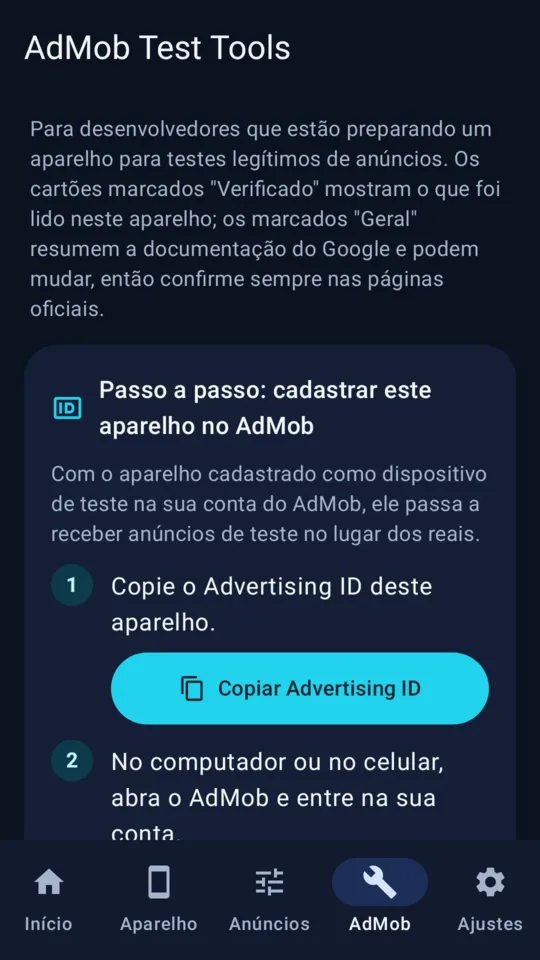
- Step by step to register the device as a test device in AdMob
- Test ads and live ads explained, with links to the official documentation
- The difference between the Advertising ID and the AdMob app ID
REPORTS
- Diagnostic report in TXT or JSON
- You choose what goes in; the full Advertising ID is included only if you turn that option on
PRIVACY
- Free and with no ads
- No sign-up and no account
- The app has no Internet access: nothing leaves the device unless you ask
- A single permission, the one required to read the Advertising ID
IMPORTANT
Viewing, copying, resetting or deleting the Advertising ID does not block ads. Ad ID Finder does not remove ads from other apps and does not change any device setting. The availability of the ID depends on the Android version and on your privacy settings.
Ad ID Finder is an independent app by PlayDude. It is not an official Google or AdMob app.